
header23
Faster. CNC. Now.
The software used by More CNC Machines…

Mach3
Mach3 Features:
Converts a standard PC to a fully featured, 6-axis CNC controller
.

Allows direct import of DXF, BMP, JPG, and HPGL files through LazyCam

Visual Gcode display

Generates Gcode via LazyCam or Wizards

Fully customizable interface

Customizable M-Codes and Macros using VBscript
Don’t Wait

Summer sale ends on Midnight August 1, 2016.
Why Are So Many Makers Using Mach3?
Mach3 turns a typical computer into a CNC machine controller. It is very rich in features and provides a great value to those needing a CNC control package. Mach3 works on most Windows PC’s to control the motion of motors (stepper & servo) by processing G-Code. Mach3 has many advanced features and is the most intuitive CNC control software available. Mach3 is customizable and has been used for many CNC applications with numerous types of hardware.

Converts Your PC Into a CNC Controller

Mach3 will convert your PC, into a full featured CNC controller for up to 6 axis. Replace expensive custom hardware with this software solution.

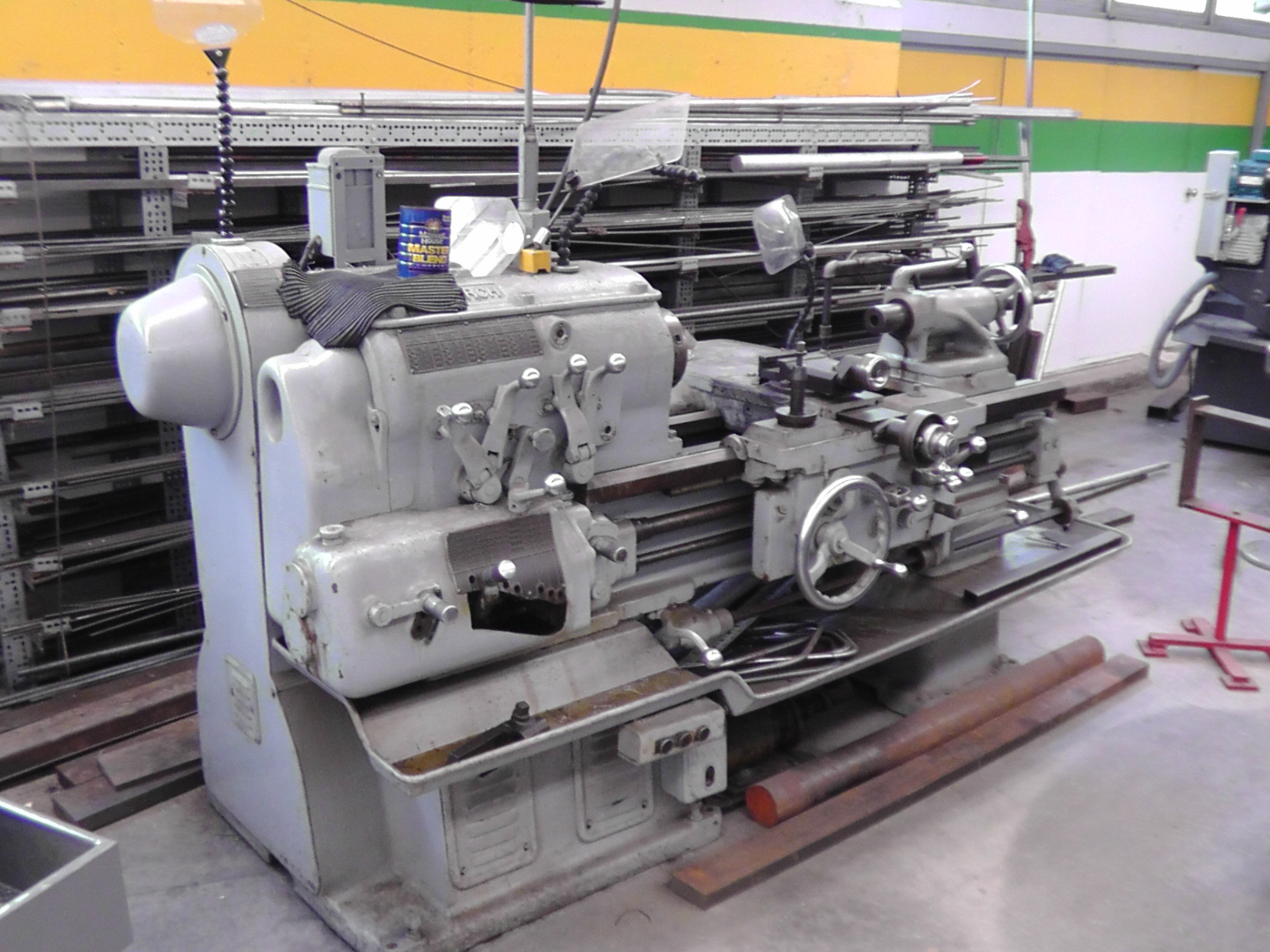
Works with Milling Machines, Lathes & Router Tables

Mach3 has been successfully used to control a variety of machine tools including Milling machines, lathes, routers tables, lasers, plasma cutters, engravers, EDM and gear cutters.

Easily Control Peripheral Devices

Mach3 can turn your Spindle On or Off & Control the Speed.Control Multiple Relays, Manual Pulse Generators and works with Touch Screen monitors.

Wizards

Wizards are “mini-programs” that extend the capabilities of Mach3. Wizards can be written by anyone and are designed to allow users to quickly perform routine or convenient operations without the need to have a pre-written G-Code file. Included with Mach3 are some free Wizards that were contributed by users.
Using Mach3
These Projects Were Created…
Mach3 Has Loads of Powerful Features!

mach3 desk
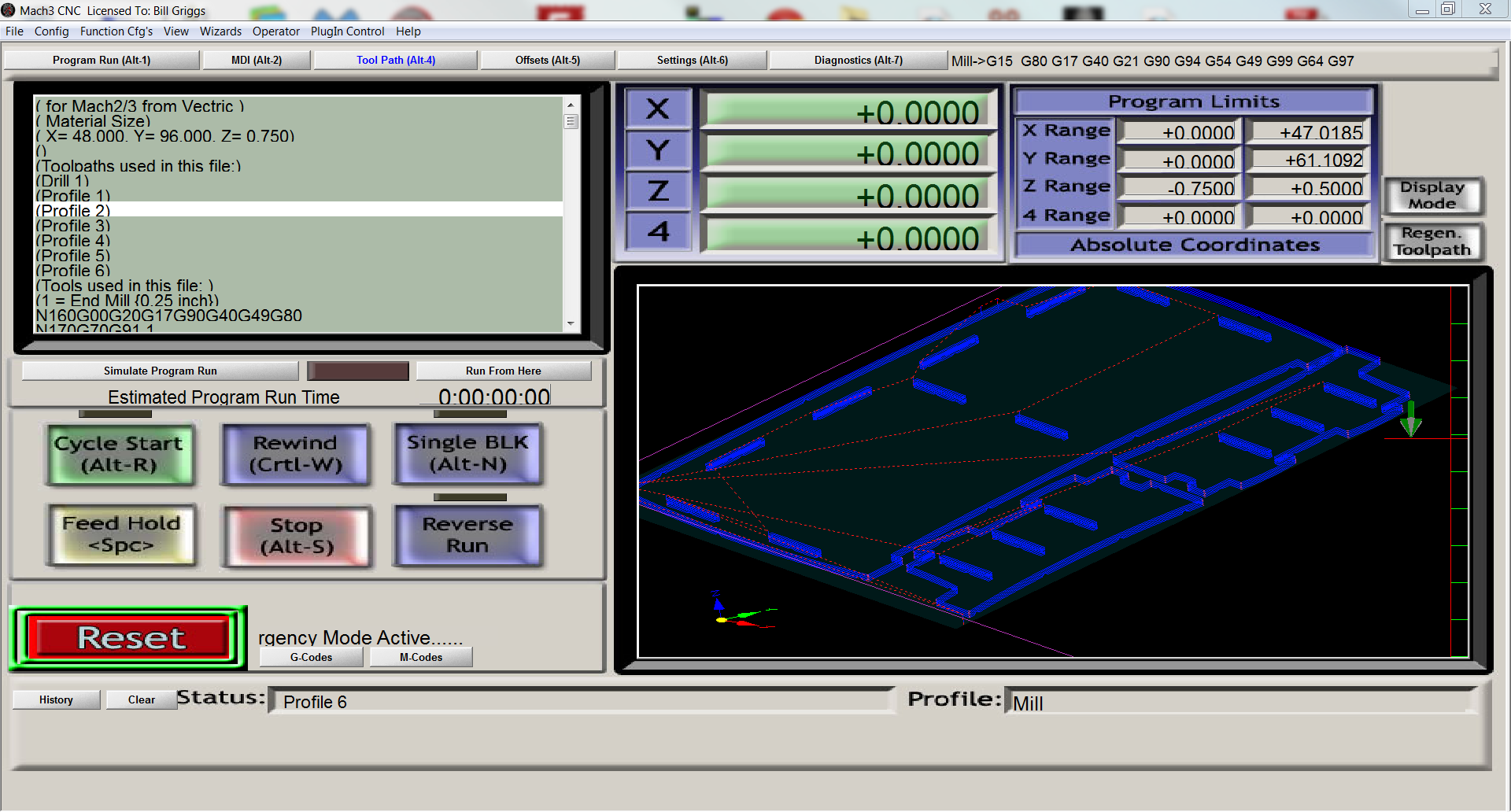
Simulate Tool Path before cutting your parts

See what your G-Code creates before you start cutting. Visually spot errors before you make them.

Zoom in to see details of any part of your design. Rotate the view in 3D to see the project from any angle.

Estimate the run time of your project automatically.

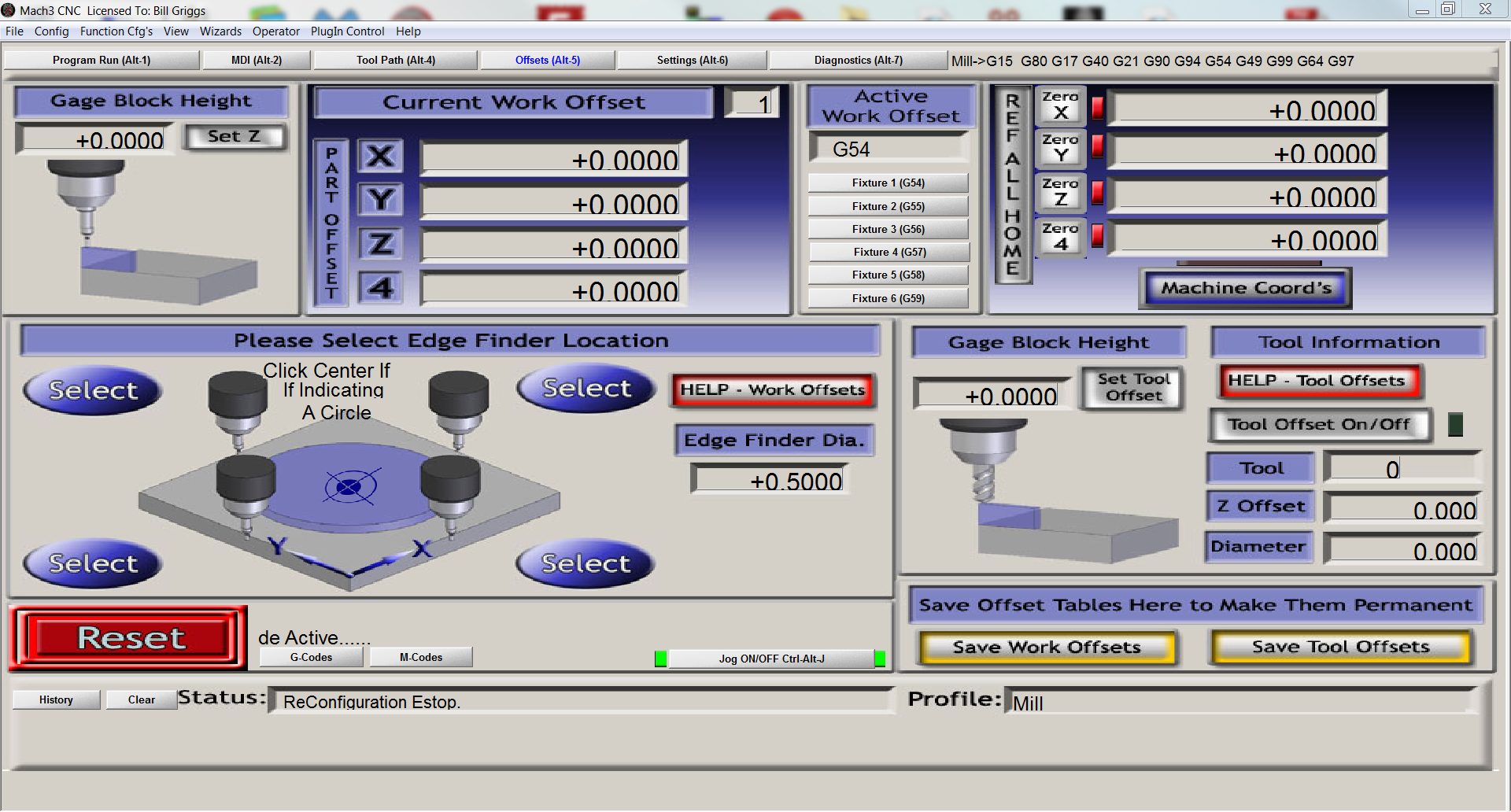
Multiple Work Offsets For Faster Setup

Easily switch between multiple work offsets to accurately machine parts with several tool bits. Use multiple spindles on the same machine.

Use guage blocks or Triple Edge Finder to accurately locate the edge of the work piece.

Mach3 CNC

Mach Blue Probing
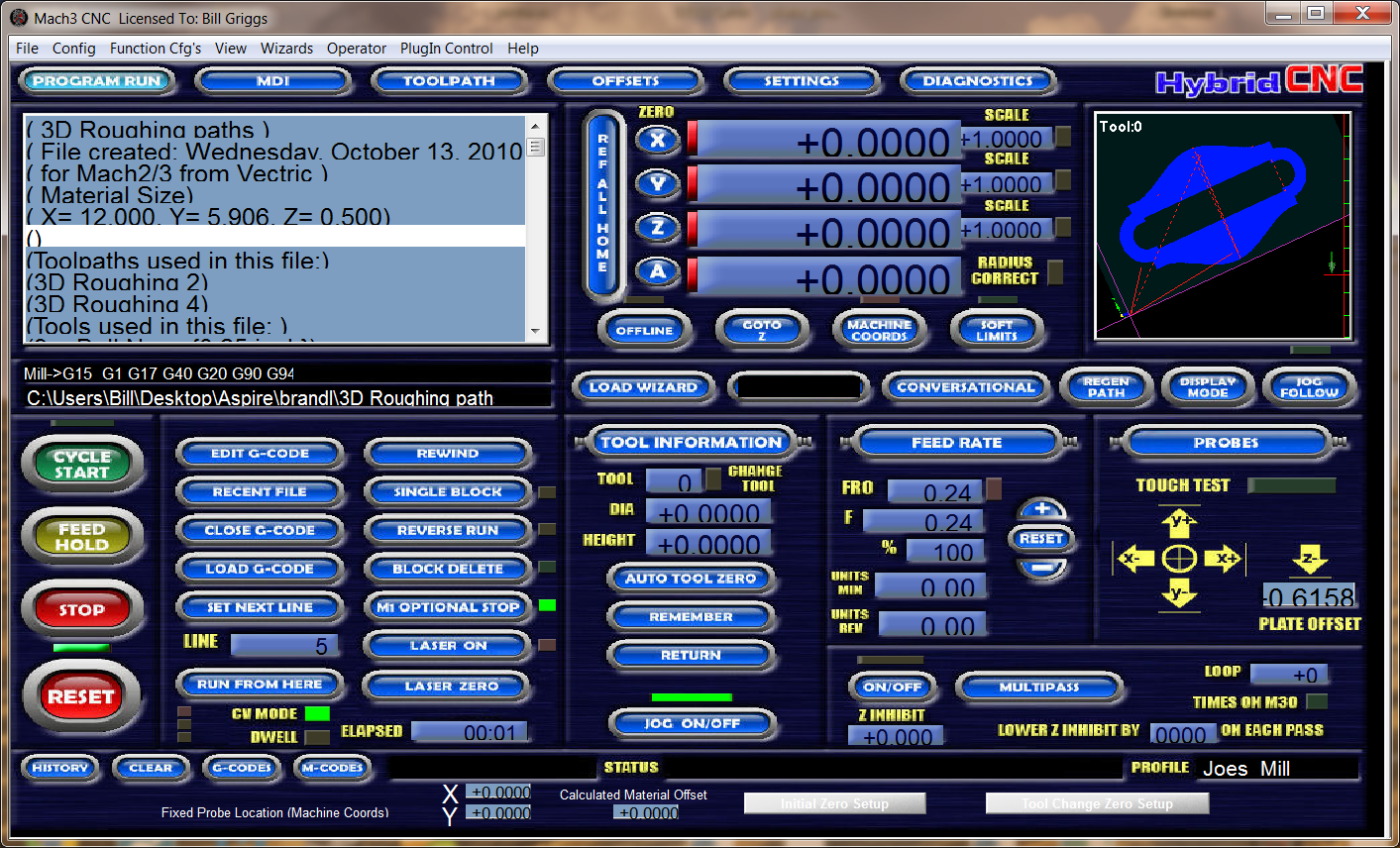
Create Custom Screen Sets to Make Your Controls Exactly Fit Your Needs

Screensets are different interfaces that can be created for Mach3. Using a screenset is as simple as opening Mach3, clicking on View – Load Screens, and then selecting the desired screen.

Over 24 Screenset are currently available either Free of for a small Fee.
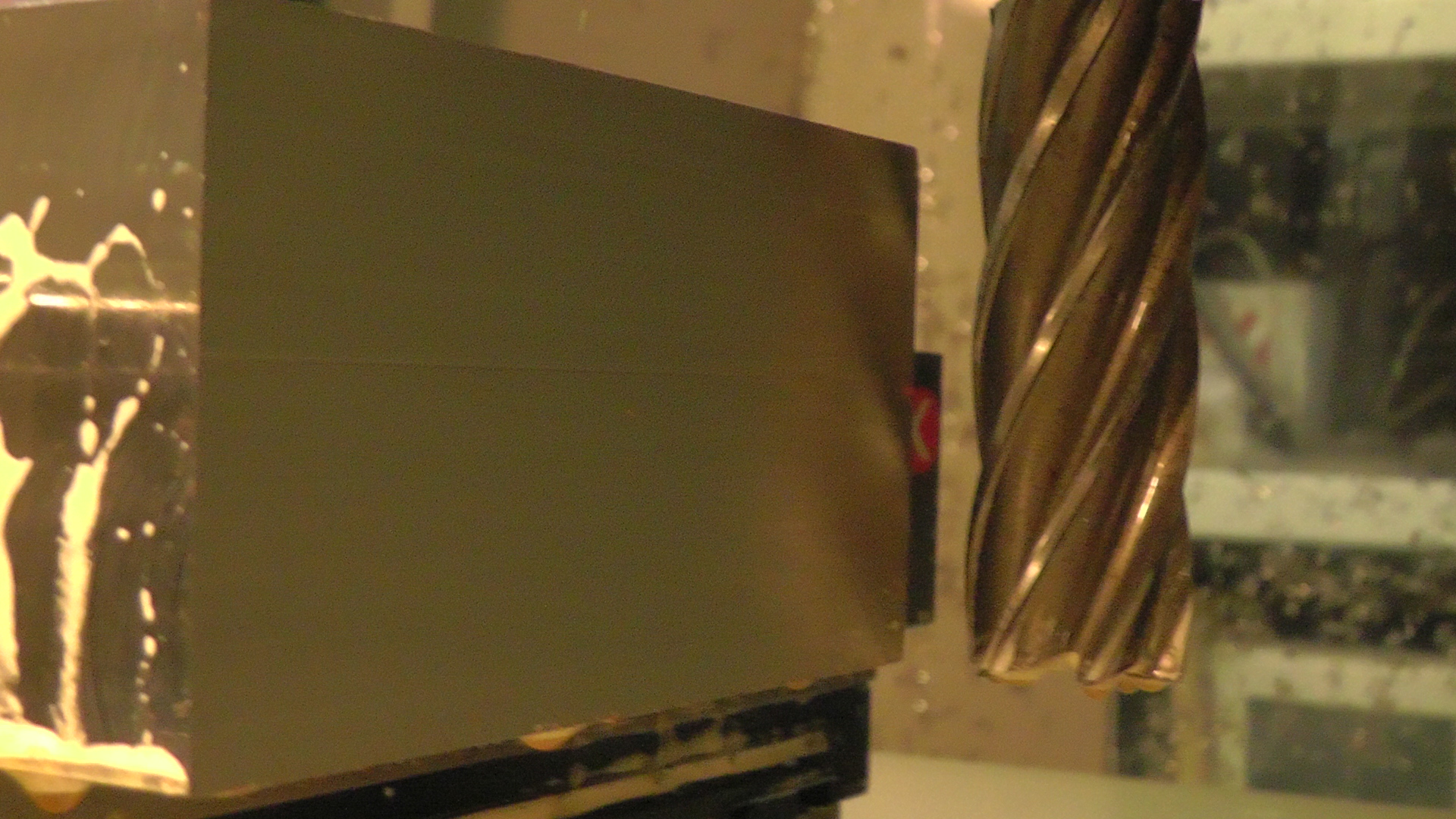
Whether Its Milling

how to square up stock
Or Turning

S3120027
MACH3 GETS WORK DONE!
Get Mach3 Now for $175 Just $160
Secure Your Copy of Mach3 and Take Control of Your CNC Machines…
Frequently Asked Questions & Answers


What Operating System Will Mach3 Run On?

Mach3 will run on any Windows OS from Windows 2000 through Windows 8. The parallel port driver included with Mach3 will only work with 32-bit DESKTOP computers with versions of Windows 2000 through Windows 7, but will not work with any 64-bit version of Windows or with Windows 8. Windows 8 and 64 bit versions of windows require an external motion device which can be purchased very reasonably.


What is a Plugin?

A plugin (or plug-in) allows people to add custom functionality to Mach3. Plugins are written as .dll files in programming language. They are primarily used to enable Mach3 to work with hardware devices (e.g. external motion controllers), but can also be used to add functionality (e.g. Mach3’s Flash plugin) or extend existing functionality (e.g. Mach3’s Jcode plugin).

Visual C++ 2003 is required to create Mach3 plugins.


How do I cut My Drawing? Can I Load it Directly Into Mach3?

Transforming an idea into an actual part is a 3-step process: CAD –> CAM –> Control. Mach3 is the Control part of the process and requires G-code files produced by a CAM or Wizard program.
Wizard programs are the most simple for those new to CNC.
Advanced users/machinist will often write their own G-code.


What is CAD?

Computer-aided design (CAD), computer-aided drafting (CAD), or computer-aided design and drafting (CADD) is the process of using a computer to design and draw the parts you would like to create. The CAD files then need to go through a CAM process to become the G-code files that Mach3/Mach4 uses.


What Is G-Code?

Used mainly in automation, G-code is the common name for the most widely used numerical control (NC) programming language, which has many implementations. G-code is sometimes called G programming language.


What Is CAM?

Computer-aided manufacturing (CAM) is a subsequent process after CAD. The CAD files are loaded into the CAM program, the desired machining parameters (tools, cut depths, etc) are chosen, and toolpaths (in the form of a gcode file) are created which then control the machine tool. The G-code files are formatted based on the postprocessor chosen.