
.
Allows direct import of DXF, BMP, JPG, and HPGL files through LazyCam
Visual Gcode display
Generates Gcode via LazyCam or Wizards
Fully customizable interface
Customizable M-Codes and Macros using VBscript


Converts Your PC Into a CNC Controller
Works with Milling Machines, Lathes & Router Tables
Easily Control Peripheral Devices
Wizards
These Projects Were Created…




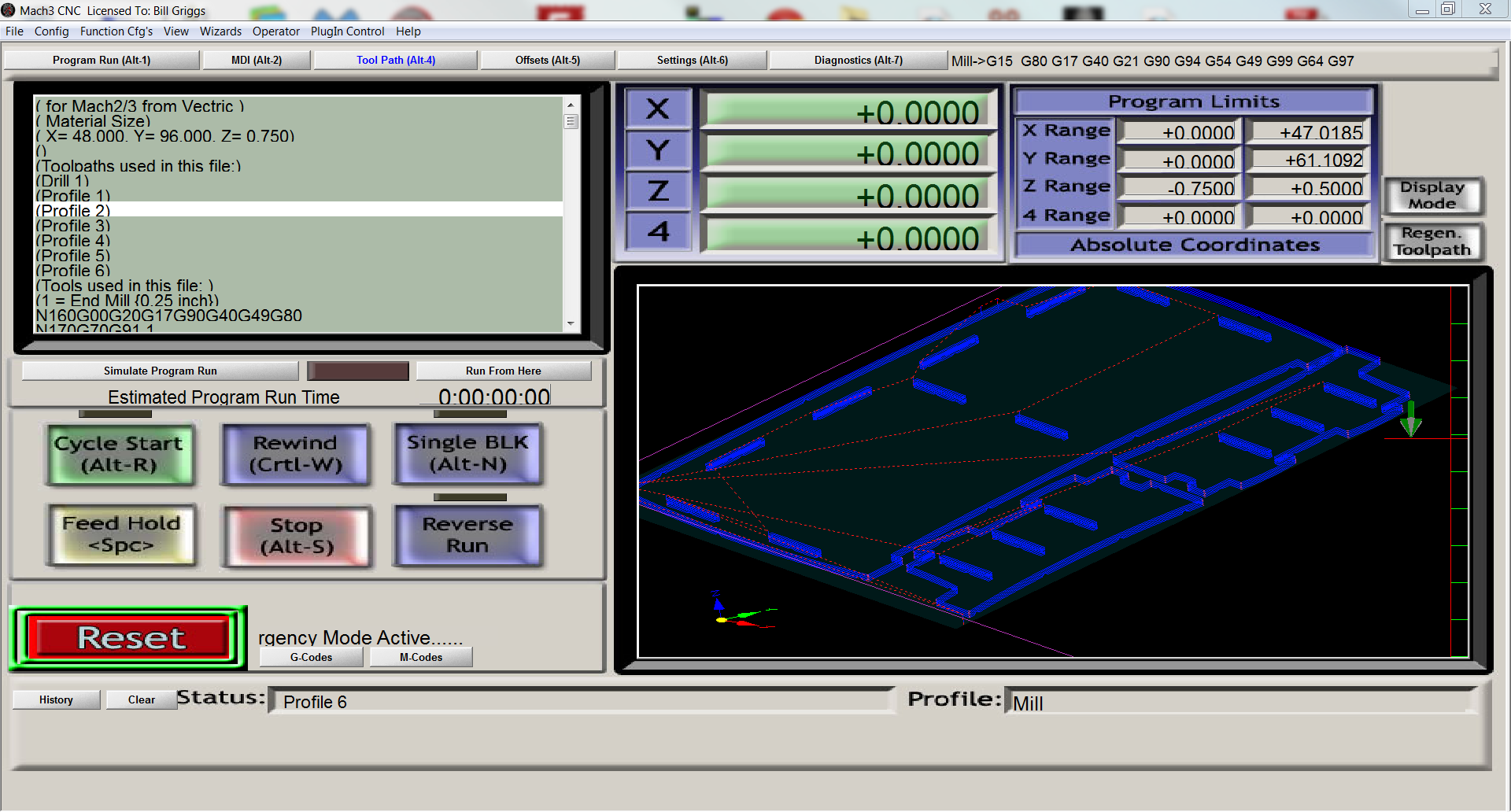
See what your G-Code creates before you start cutting. Visually spot errors before you make them.
Zoom in to see details of any part of your design. Rotate the view in 3D to see the project from any angle.
Estimate the run time of your project automatically.
Easily switch between multiple work offsets to accurately machine parts with several tool bits. Use multiple spindles on the same machine.
Use guage blocks or Triple Edge Finder to accurately locate the edge of the work piece.
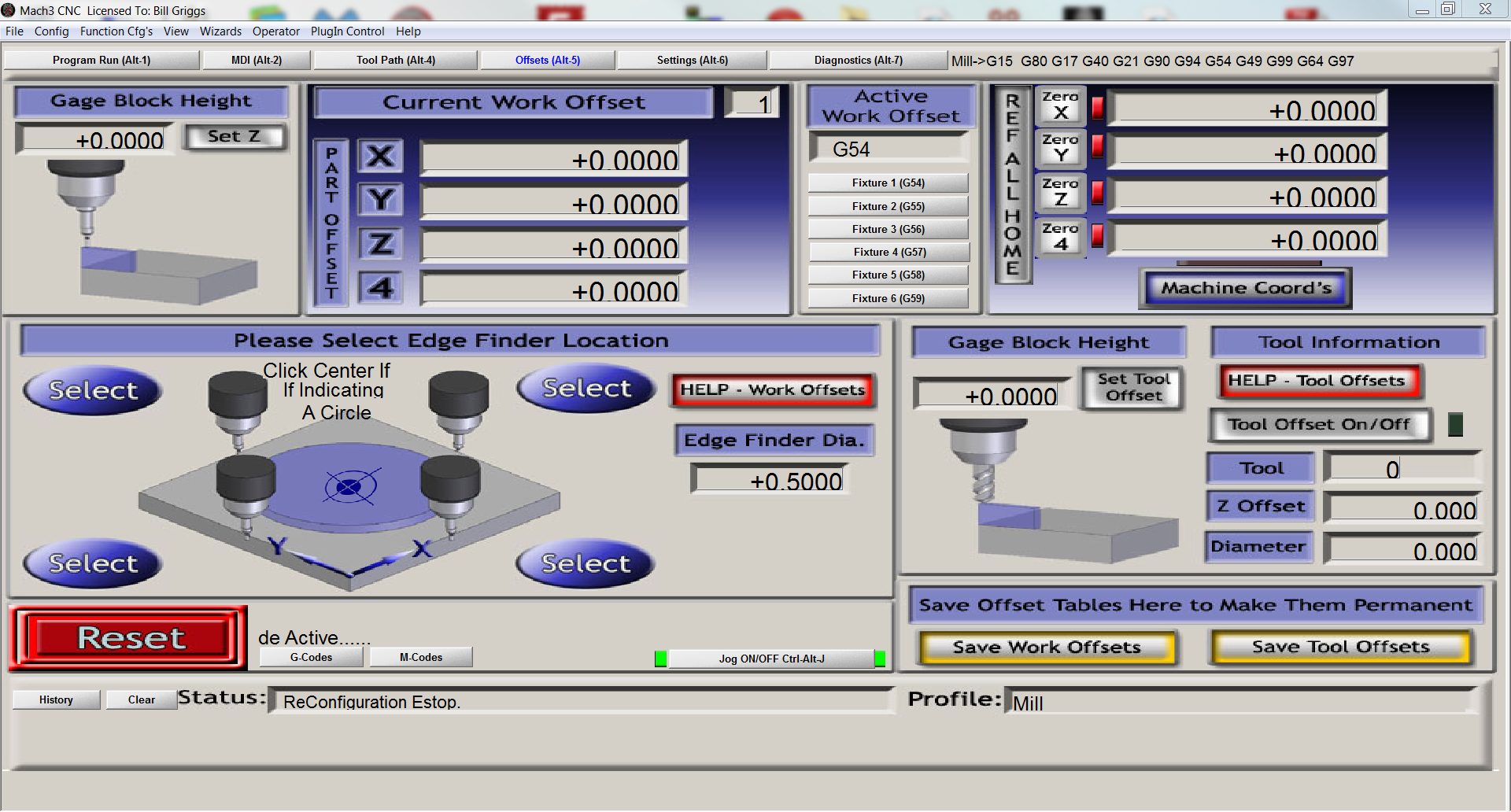
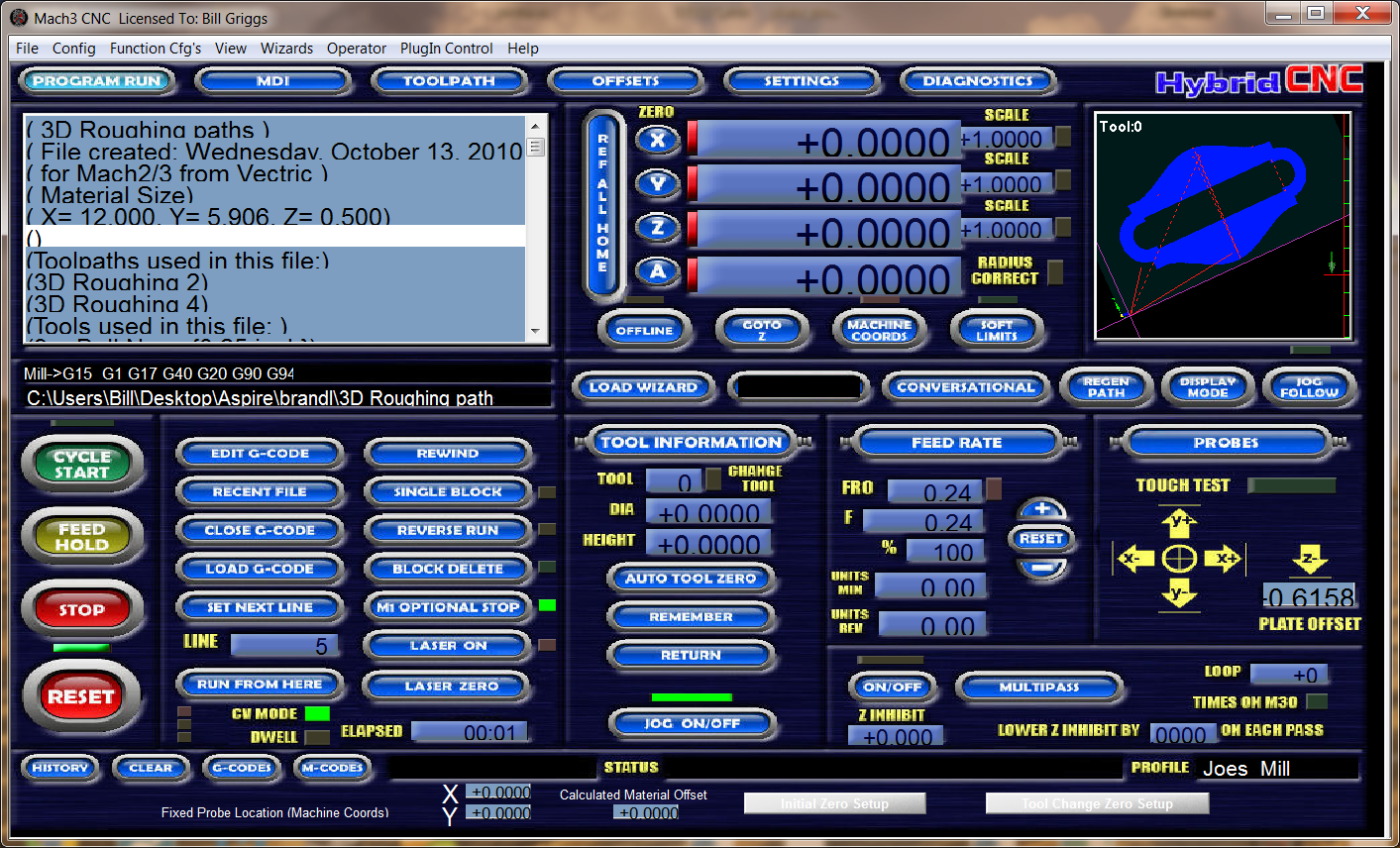
Screensets are different interfaces that can be created for Mach3. Using a screenset is as simple as opening Mach3, clicking on View – Load Screens, and then selecting the desired screen.
Over 24 Screenset are currently available either Free of for a small Fee.
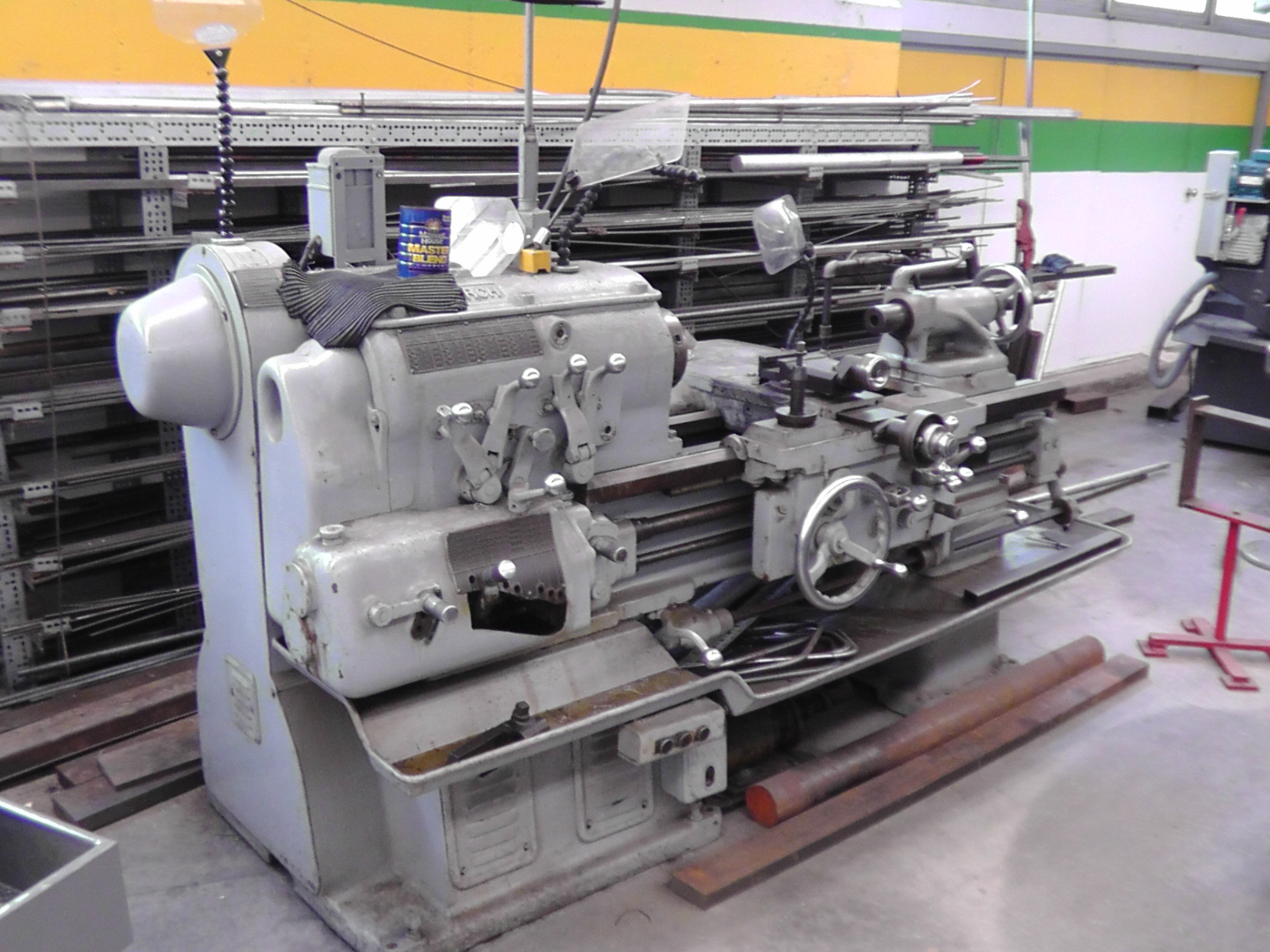


What Operating System Will Mach3 Run On?
What is a Plugin?
A plugin (or plug-in) allows people to add custom functionality to Mach3. Plugins are written as .dll files in programming language. They are primarily used to enable Mach3 to work with hardware devices (e.g. external motion controllers), but can also be used to add functionality (e.g. Mach3’s Flash plugin) or extend existing functionality (e.g. Mach3’s Jcode plugin).
Visual C++ 2003 is required to create Mach3 plugins.
How do I cut My Drawing? Can I Load it Directly Into Mach3?
Transforming an idea into an actual part is a 3-step process: CAD –> CAM –> Control. Mach3 is the Control part of the process and requires G-code files produced by a CAM or Wizard program.
Wizard programs are the most simple for those new to CNC.
Advanced users/machinist will often write their own G-code.
What is CAD?
What Is G-Code?
What Is CAM?